M5Stack software catalog
Project results
20 projects
 Cardputer + 4 more
ESP32 Marauder
by justcallmekoko
A suite of WiFi/Bluetooth offensive and defensive tools for the ESP32
 Cardputer + 8 more
Bruce
by BruceDevices
Predatory ESP32 Firmware
 Device not specified
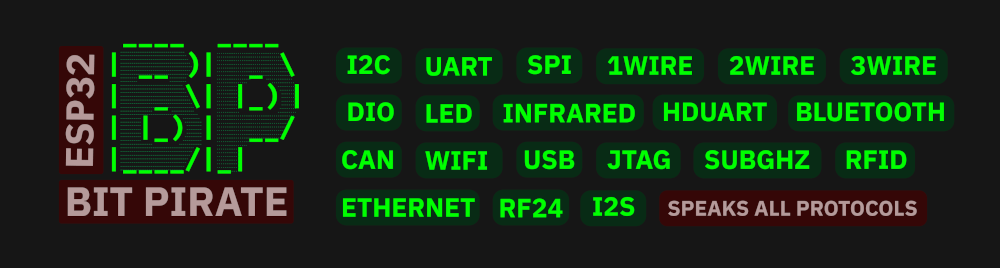
ESP32 Bit Pirate
by geo-tp
A Hardware Hacking Tool with Web-Based CLI That Speaks Every Protocol
 StickC / StickS3
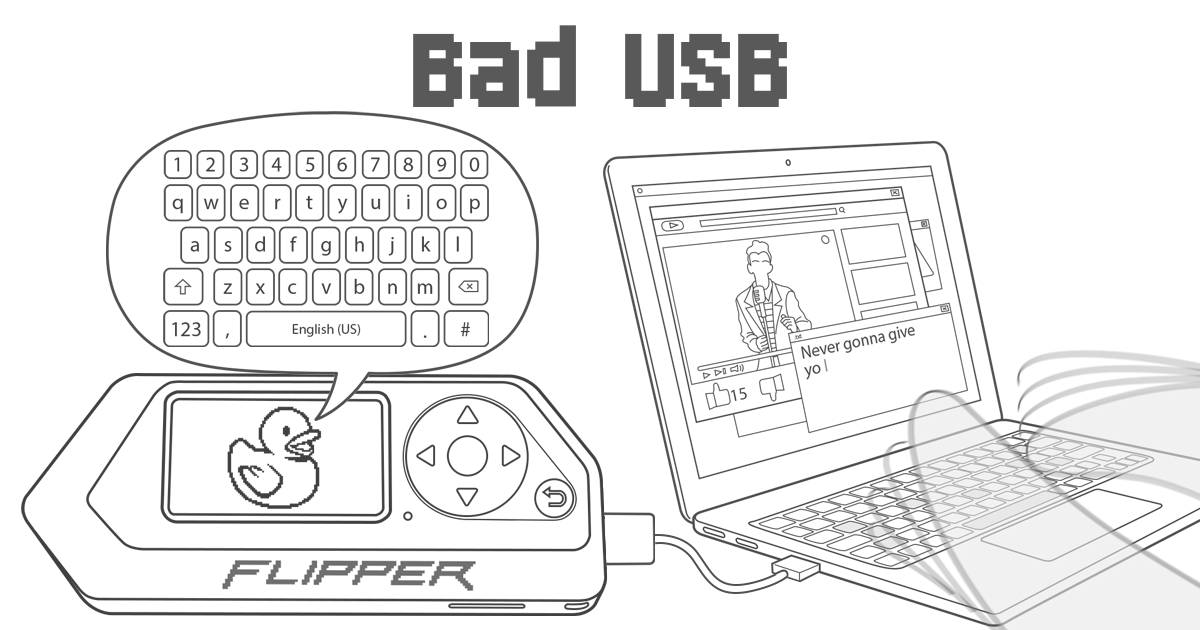
Flipper Zero Bad Usb
by SeenKid
My collection of BadUSB scripts for the Flipper Zero. By downloading the files, you automatically agree to the license and the specific terms in the ReadMe.
Orca One
by OceanTroop
A collection of alternatives for running Flipper Zero functions on more affordable devices such as M5Stack, Liligo and ESP32 in general.
Picoware
by jblanked
Open-source custom firmware for PicoCalc, Cardputer ADV, Flipper Zero, and other ESP32/Raspberry Pi Pico devices
 Cardputer
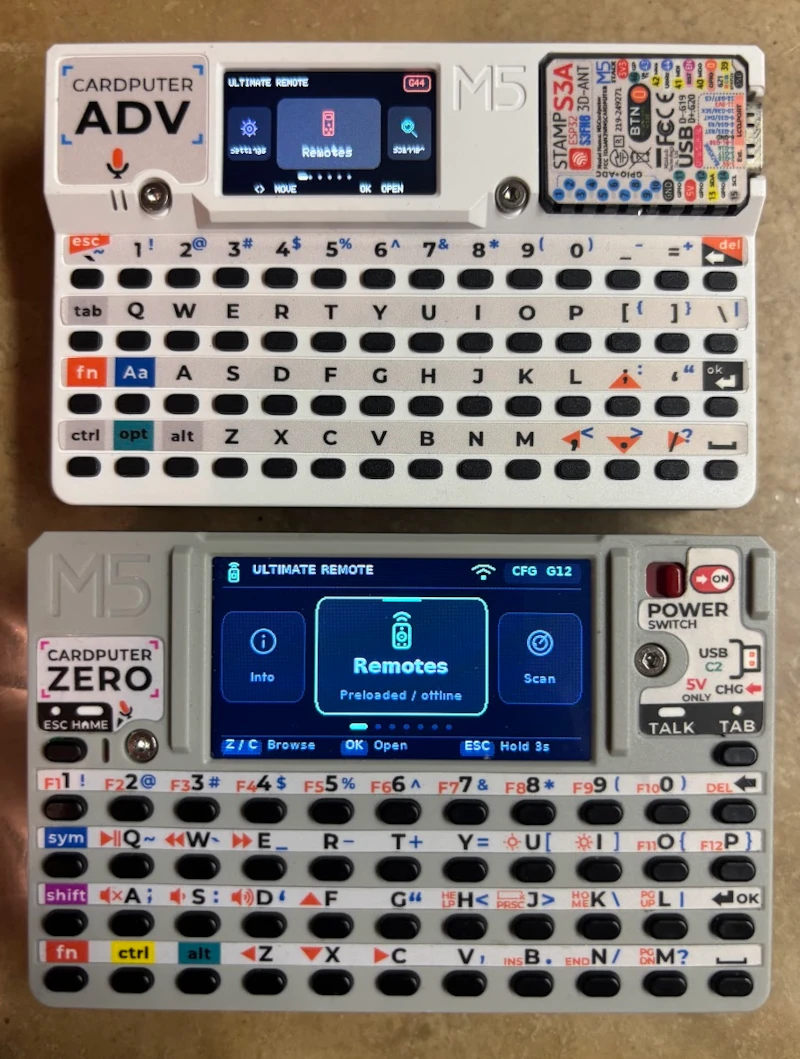
Ultimate Remote
by geo-tp
Universal remote control for the M5Cardputer, contains 3498 remote profiles from 636 different brands. Also compatible with Flipper-IRDB files
Poseidon
by GeneralDussDuss
80+ feature pentesting firmware for M5Stack Cardputer-Adv. WiFi, BLE, sub-GHz (CC1101), 2.4GHz (nRF24), LoRa (SX1262), IR, BadUSB, DHCP attacks, WPAD, MouseJack, BLE spam, signal replay, 6 themes. Supports LoRa-GNSS + Hydra RF hats + ESP32-C5 companion.
 Cardputer + 1 more
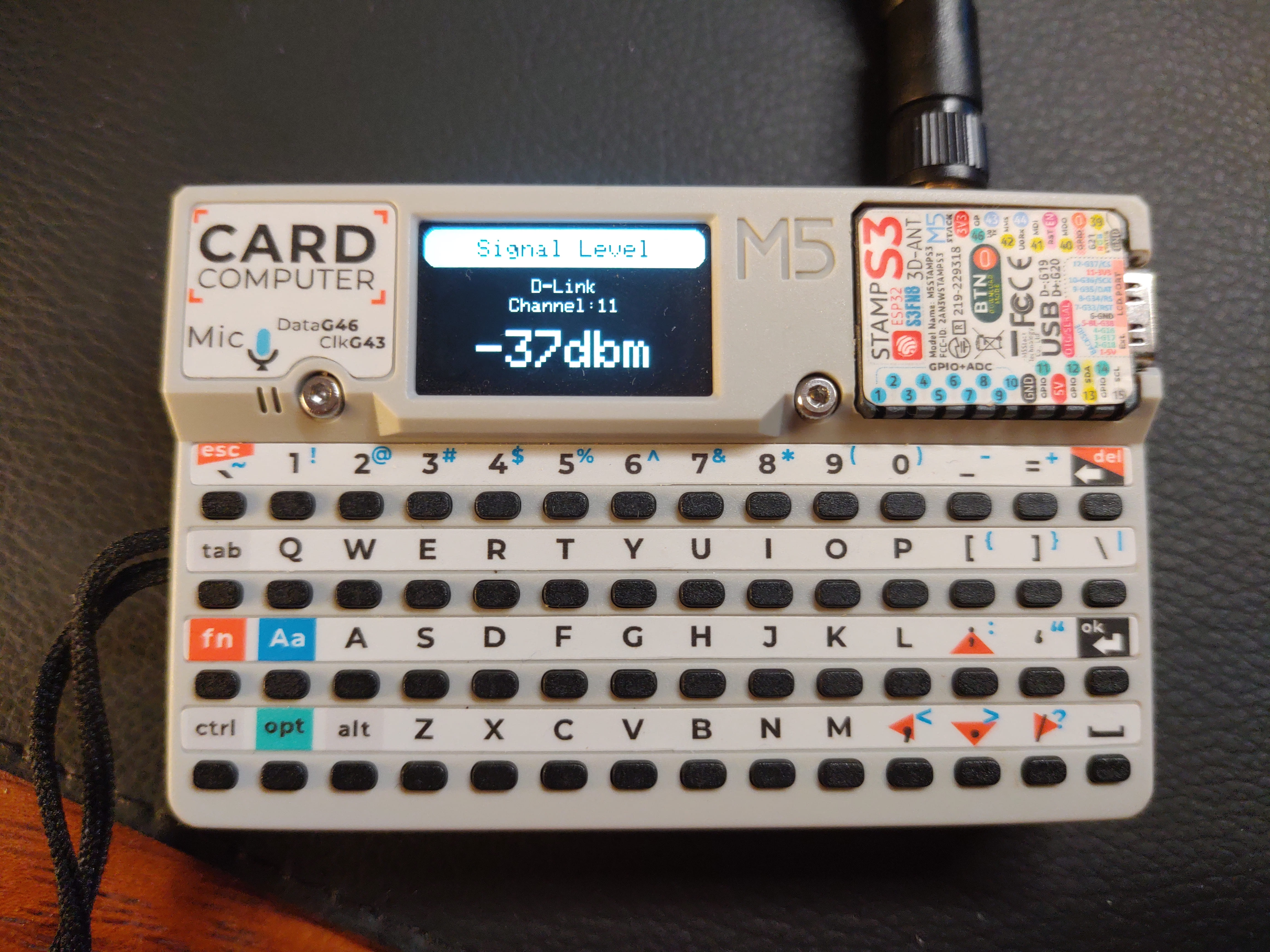
External Cardputer Antenna
by henriquesebastiao
Guia de como instalar uma antena externa no M5Stack Cardputer.
 Cardputer
Flipper Zero Meets M5Stack Cardputer
by ElicoftZ
The Flipper zero on M5Stack Cardputer
Stick
by stickfirmware
Firmware for M5StickC Plus 2, based on micropython
IRBIS IR
by MOR1K
IRBIS SmartBoard IR config for Bruce and Flipper Zero
M5Card Wifi Key Board Setup
by cyberwisk
M5Card_Wifi_KeyBoard_Setup - configura o Wifi através do teclado do M5Cardputer
M5Flipper
by tiagob0b
Hardware hacking tool para M5Paper V1.1 — inspirado no Flipper Zero.
 Cardputer
Mantis HID MSC
by Rubio473
Advanced composite USB firmware featuring Keyboard, Mouse and Consumer HID, MSC storage, DuckyScript 1.x, Flipper BadUSB extensions, and Mantis DuckyScript 3 Core for ESP32-S3 devices.
Esp32chat
by NoTimeToSleep-Team
ESP32Chat OpenSource repo
Flipper Zero ESP32 ADV
by 0xhalloween
WiFi - BLE - RF - NRF24 - NFC - IR - BAD USB Go support the main project https://github.com/Sor3nt/Flipper-Zero-ESP32-Port Important: Download the sdcard.zip and put the entire folder on the root directory of the micro sd card.
 StickC / StickS3
Xtreme Firmware
by Flipper-XFW
il peut ouvrir des portes de garages des voitures et des portes
Flipper IRDB
by Lucaslhm
CardputerAdv IR link for the IR files : https://github.com/allantaylor12345-sudo/irfiles A universal remote for the M5Stack Cardputer-Adv** (and the original Cardputer), where the remotes live on the SD card as Flipper Zero .ir` files. Browse the card, pick a button, press Enter. It transmits. Nine hotkeys. 1` turns the TV on from any screen, no menus. Learn signals off your own remotes and save them back to the card. Air conditioners get real state control - any temperature, any mode - not just replayed presets. Files are the Flipper format, unchanged. The twenty thousand remotes in Flipper-IRDB work as they are, and anything learned here opens on a Flipper or in Bruce. --- Hardware Transmitting needs nothing wired.** Both Cardputers have an IR LED on G44**. Point the top edge of the device at whatever you are controlling; useful range is about five metres. Learning needs a receiver**, which neither Cardputer has. The no-soldering option is the M5Stack Unit IR** (U002) in the Grove port: | Unit IR wire | goes to | note | |---|---|---| | black | GND | | | red | 5V | | | yellow | IR_TX | not used - the built-in LED transmits | | white | IR_RX** | this is the one that matters | M5 documents the Grove port as G1/G2 but does not say which colour lands on which pin, so the firmware does not guess: Settings → Receive pin** flips between G1 and G2 and remembers the choice. If Learn sits there listening and never catches anything, change that setting and try again. That is the entire troubleshooting procedure. A bare TSOP38238 or VS1838B works identically: OUT to G2, GND to GND, VCC to 5V. --- The card FAT32. ExFAT will not mount. Copy the ir/` folder from ir-for-sdcard.zip` to the root of the card. It is already full: 1087 remotes, 20866 buttons**, no downloading. /ir/tv/ 118 brands of television /ir/led/ LED strips, bulbs, lamps and their little RGB remotes /ir/ac/ 96 brands of air conditioner, as raw buttons /ir/soundbar/ /ir/audio/ amplifiers and AV receivers /ir/fan/ ceiling and pedestal fans /ir/learned.ir created for you when you first save /ir/favorites.txt created for you when you first pin a hotkey Add more from Flipper-IRDB whenever you like - nested folders are fine, and there is no import step. The format the Cardputer reads is* the Flipper format. Most brands have several files because the codes changed between model years. If the first does nothing, try the next. --- Using it | Key | Does | |---|---| | ;` .` or the arrow keys | move | | Enter | open, or send | | or Esc | back | | 1`–`9`** | send that favourite, from anywhere** | | f` | pin the selected button to a hotkey (then press 1-9) | | x` | clear the selected hotkey (on the Favourites screen) | | <` or left | up a folder | | r` | send five times - for a volume rocker or a dimmer | Turning the TV on and off Open the TV's file, put the cursor on Power`, press f`, press 1`. From then on, 1` toggles the TV from whatever screen you happen to be on. That is the whole feature, and it is the one worth setting up first. If your TV uses separate on and off codes rather than one toggle, pin them to 1` and 2`. Learning a signal Home → Learn a signal** → Enter, then press the button on the real remote from about 5 cm away. What comes back is either recognised - NEC addr 0004 cmd 0008`, saved as four short lines - or unrecognised, saved as the raw timings. Both replay identically.** Raw is bigger, not worse; a recognised record is just tidier and immune to the receiver's own timing distortion. Then t` replays it so you can watch the TV react before committing, s` names and saves it into /ir/learned.ir`, Enter captures again. Air conditioners This is the one place where recording buttons does not work, and it is worth knowing why. An AC remote does not send "temperature up" - it holds the entire state (on/off, mode, temperature, fan, swing) and retransmits all* of it on every press, in a brand-specific layout typically 100 to 400 bits long. The remote is the source of truth; the unit just obeys. So the AC screen builds the frame from scratch instead. Pick your brand, set the state, press Enter. Twenty brands are in the list; Coolix** leads it because it is not a brand at all but the generic protocol that Midea, Komeco, Elgin, Philco, Springer and most no-name splits answer to. Try that first. | Row | What it does | |---|---| | Brand | which protocol to speak | | Remote | which of that brand's remotes to imitate. Only a few brands have more than one — on Fujitsu**, 1 = AR-RAH2E (most units), 3 = AR-REB1E, 6 = AR-REW4E | | Power, Mode, Temp, Fan, Swing | the obvious | | Sleep** | off, or 10 minutes to 12 hours | Sleep** is worth a note. On most brands it is a plain on/off "sleep mode" flag and the number is ignored. On Fujitsu it is a real countdown** — the unit runs and then shuts itself off after that many minutes, exactly as the sleep button on the original remote does. Same control either way; the brand's encoder decides what the number means. It is part of the state, so it goes out with everything else on Enter — there is no separate "send sleep" key. Because the unit is being told a complete state rather than a change, the Cardputer and your real remote can disagree about what is set. Whichever spoke last wins - which is exactly how a second remote behaves too. If no brand works, fall back to learning: capture "on, cool, 23" and "off" as two raw buttons and pin them to hotkeys. Less elegant, always works. --- Building bash pio run -t upload pio device monitor Download mode: side power switch off**, hold G0**, plug in USB, release G0. See FLASHING.md. Prefer the Arduino IDE? tools/make_arduino.sh` generates a sketch folder from src/`. The same binary runs on the Cardputer and the Cardputer-Adv. Their keyboards are different hardware - a scanned matrix on one, a TCA8418 controller on the other - and the M5Cardputer library picks the right driver at runtime from M5.getBoard()`, so there is nothing to select. --- How it works, briefly Everything ends up as one list of microsecond durations - LED on for x, off for y - and there is exactly one function that drives the LED. A raw record arrives in that form already; a parsed record is built by irproto.cpp` from the protocol's own timings, taken from Flipper's protocol headers. There is no second path, which is why a learned button and a downloaded one behave the same. A remote file is never loaded into RAM. Indexing walks it once and keeps only each button's name and byte offset, so a 400-button file costs about 16 KB however long its raw records are; sending re-opens the file and parses that one record. | File | Does | |---|---| | config.h` | every tunable, with the reasoning | | irfile.cpp` | reading and writing .ir` files | | irproto.cpp` | protocol ↔ microseconds, both directions | | irtx.cpp` | the LED | | irrx.cpp` | the receiver | | acremote.cpp` | air conditioner state | | storage.cpp` | the card, indexing, favourites | | keys.h` | one key press, and the M5Cardputer version differences | | ui.cpp` | drawing | | main.cpp` | keys and actions | --- What has been tested, and what has not tools/selftest.cpp` runs 218 checks on a PC, covering the file parser and every protocol encoder and decoder - including encode-then-decode round trips, a simulated capture with receiver distortion and jitter, and rejection of noise. Run it with the command in tools/README.md`. tools/checkfiles.cpp` then runs the real thing: it parses every remote on the card with the firmware's own reader and encoders. Against the 1087 files shipped in sdcard/ir` — 20866 buttons** — all 20866 produce a transmittable frame, with no unknown protocols and nothing truncated. The largest file has 256 buttons against a cap of 400, and the longest raw record 959 timings against a cap of 1024. Every source also passes -fsyntax-only -Wall -Wextra` against the stub headers in tools/stubs/`, and every call into M5Cardputer, M5GFX and IRremoteESP8266 was checked line by line against the real upstream headers — which caught a handful of things the stubs happily accepted, including a static-initialisation order bug that would have panicked on the first frame and a double disableIRIn()` that would have crashed on leaving Learn. It also compiles cleanly against both* the current M5Cardputer keyboard API and the older one that lacks arrow keys, esc` and backspace` — the accessors in keys.h` test for each field at compile time — and the generated .ino` survives the Arduino IDE's prototype hoisting, which is checked by building a simulation of it. It still has not been compiled against those libraries, and it has not been run on hardware.** The machine this was written on has no embedded toolchain. Expect to fix something on the first pio run`; the logic underneath is tested, and the glue has been read carefully, but read is not the same as compiled. Known limits RC6 transmits but is not recognised when learning.** Its double-width toggle bit makes the decode fiddly, and guessing wrong would produce a button that looks fine and does nothing - so learned RC6 is saved raw instead, which replays perfectly. Kaseikyo** (Panasonic, JVC, Denon, Sharp) is the one protocol whose field layout was reconstructed from field widths rather than read off a wire. If a Panasonic remote from Flipper-IRDB misbehaves, learn it raw. The browser lists 256 entries per folder and 400 buttons per file, and says so when it truncates. Raw records cap at 1024 timings, which is the Flipper format's own limit. --- Licence MIT.
 Cardputer
Flipper Zero ESP32 Port
by Sor3nt
WiFi - BLE - RF - NRF24 - NFC - IR - BAD USB Go support the main project https://github.com/Sor3nt/Flipper-Zero-ESP32-Port Important: Download the sdcard.zip and put the entire folder on the root directory of the micro sd card.
You have reached the end. 20 projects shown.