M5Stack software catalog
Project results
19 projects
Lovyan GFX
by lovyan03
SPI LCD graphics library for ESP32 (ESP-IDF/ArduinoESP32) / ESP8266 (ArduinoESP8266) / SAMD51(Seeed ArduinoSAMD51)
 Device not specified
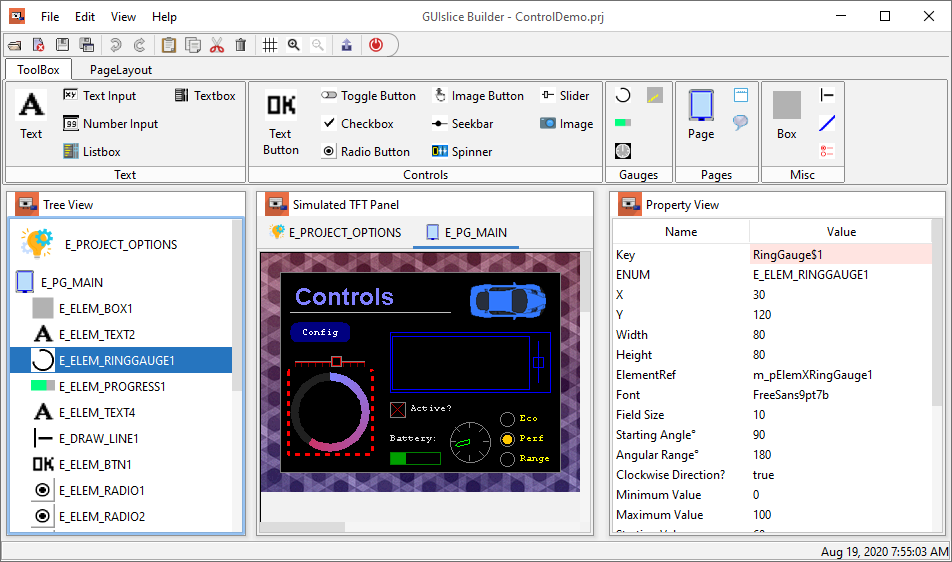
GUIslice
by ImpulseAdventure
GUIslice drag & drop embedded GUI in C for touchscreen TFT on Arduino, Raspberry Pi, ARM, ESP8266 / ESP32 / M5stack using Adafruit-GFX / TFT_eSPI / UTFT / SDL
Infiltra Firmware
by D3CRYPT-1
Infiltra Firmware is an open-source firmware for wireless security testing, network analysis, and hardware hacking. FLASH IT BELOW USING OUR WEB FLAHSER!
Pngle
by kikuchan
Pngle - PNG Loader for Embedding
 StickC / StickS3
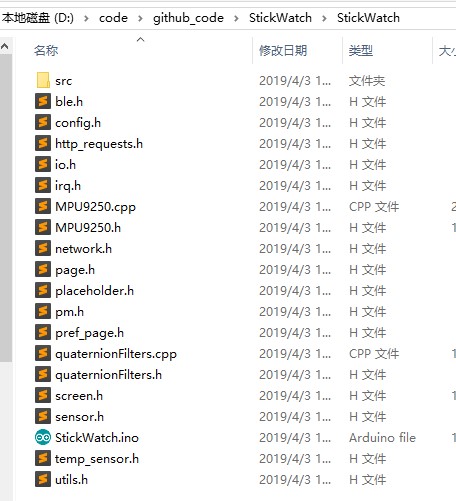
Stick Watch
by eggfly
A DIY smart watch based on M5Stick of ESP32
 Device not specified
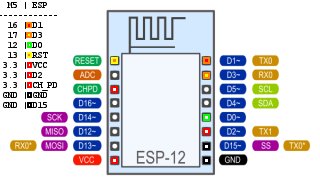
M5Stack ESP12 Shield
by tobozo
ESP12 shield for M5Stack - Flash your ESP through the M5!
 Device not specified
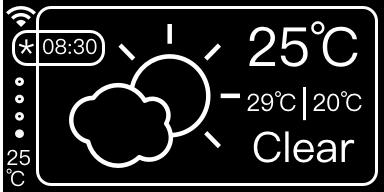
GDWeather Station
by goldhan
ESP8266, ESP32, WeatherStation
OTAWrapper
by LennartHennigs
Arduino/ESP library to simplify OTA setup.
Iot Playground
by vs4vijay
IoT Playground for ESP32, Arduino, M5Stack, and other firmware platforms
Evil Portal Html
by Jalapenothedragon
🛠️ Build realistic captive portal HTML templates for ethical Wi-Fi security testing and authorized penetration audits.
 Device not specified
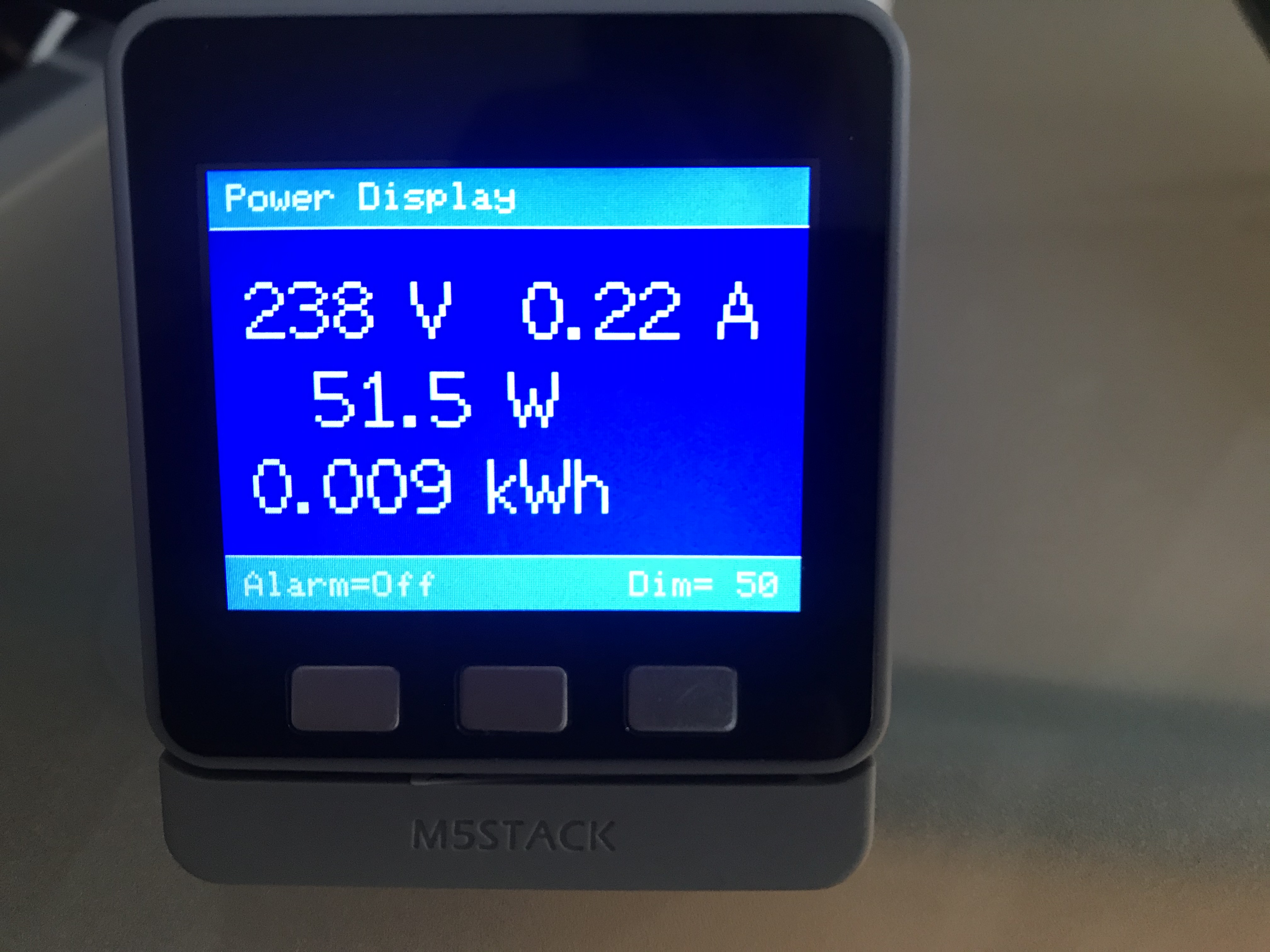
M5Stack Sonoff Power Display
by AK-Homberger
A display for Sonoff-Tasmoa POW R2 to show voltage, current, power and energy values.
ESP Flasher
by LTX128
⚡ .bin flasher for M5 Stack, T-Embed, ESP32, ESP8266, and more made in python ! ( Only ESP )
 StickC / StickS3
It S Time Do
by import-tiago
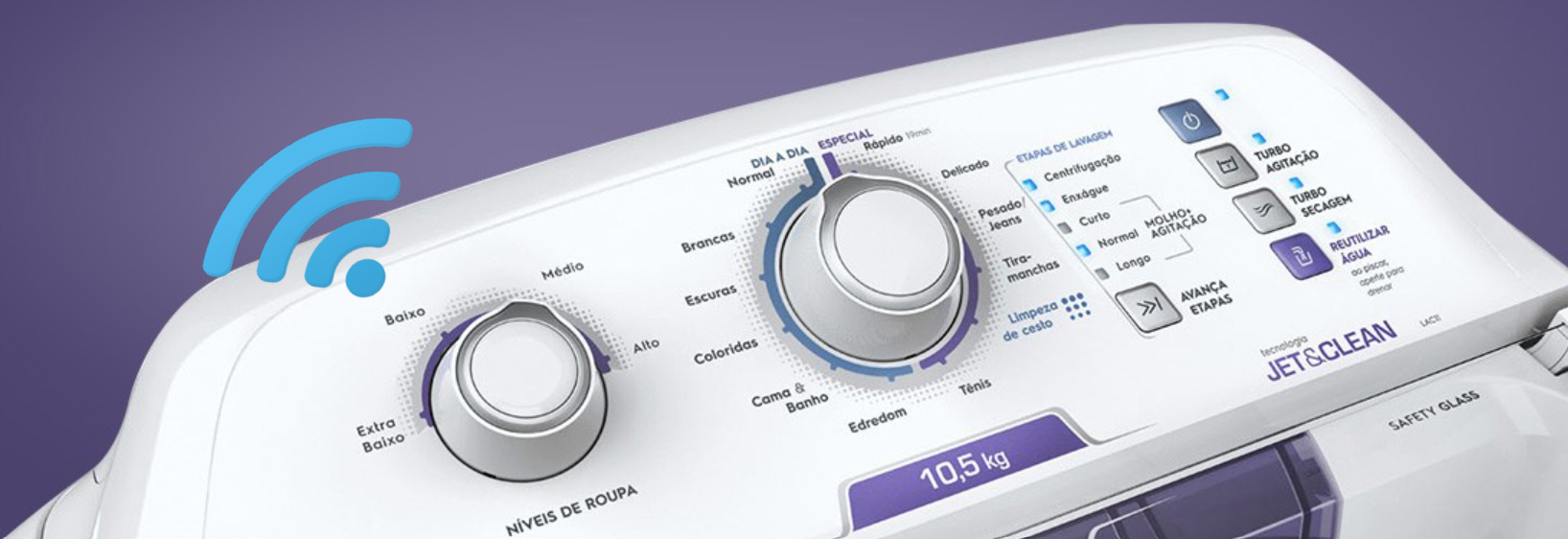
It's Time, Do! is a system (hardware + firmware + web application) to control over the internet the on/off or programming to automatically run other devices and electronic equipments.
Esp8266 Mesh Project
by m5stack
This is a true mesh network on Arduino using esp8266 module and m5stack device
Esphome
by m5stack
ESPHome is a system to control your ESP32, ESP8266, BK72xx, RP2040 by simple yet powerful configuration files and control them remotely through Home Automation systems.
 StickV / UnitV
Expiration Date Manager
by tissueMO
賞味期限管理ソリューション
Meteo Station
by barngrassjanegoodall132
Monitor indoor and outdoor weather data using this M5Stack CoreS3 MicroPython weather station with I2C sensor support and automated Open-Meteo forecasts.
IRremote ESP8266
by crankyoldgit
Ir remote with lots of added stuff and is good and is so very good
 StackChan
ESP8266Audio
by earlephilhower
NOW STACKCHAN CAN PLAY MP3 FILES CONTINUOUSLY AND NEW FACES HAVE BEEN ADDED. ADDED THE FUNCTION TO ADJUST SCREEN BRIGHTNESS. Keys (-) and (=). ADDED SHUFFLE. Key - (s) !!! Brightness Fix !!! StackChan came to liven up the cardputer's downtime when you're not using it for other things or when it's charging, and now it can groove to MP3s in the background. !!! READ MORE BELOW !!! This means that when the device is recharging, it won't have a static background, and now you can listen to music while enjoying StackChan's cuteness. Tip: When a title balloon is being displayed, press any key to make it disappear. Controls: - Key 1 to change the faces - Key 2 to change the background color - Key 3 to change the expression - Press the '-' key to decrease brightness - Press the '=' key to increase brightness. How to use MP3 Function: - Copy MP3 files to the SD card, then insert it into the cardputer. - Turn on the cardputer and wait a few seconds for it to scan. - Press the (BtnGo) to play music. - For the next song, press (BtnGo). - Volume UP: press arrow up (;) - Volume DOWN: press arrow down (.) - N for Next song - B Previous song - P Pause/Play - S Shuffle ON/OFF Note: still in development!!! Libraries Dependencies: - https://github.com/meganetaaan/m5stack-avatar - https://github.com/earlephilhower/ESP8266Audio/
You have reached the end. 19 projects shown.